Capture with your devices
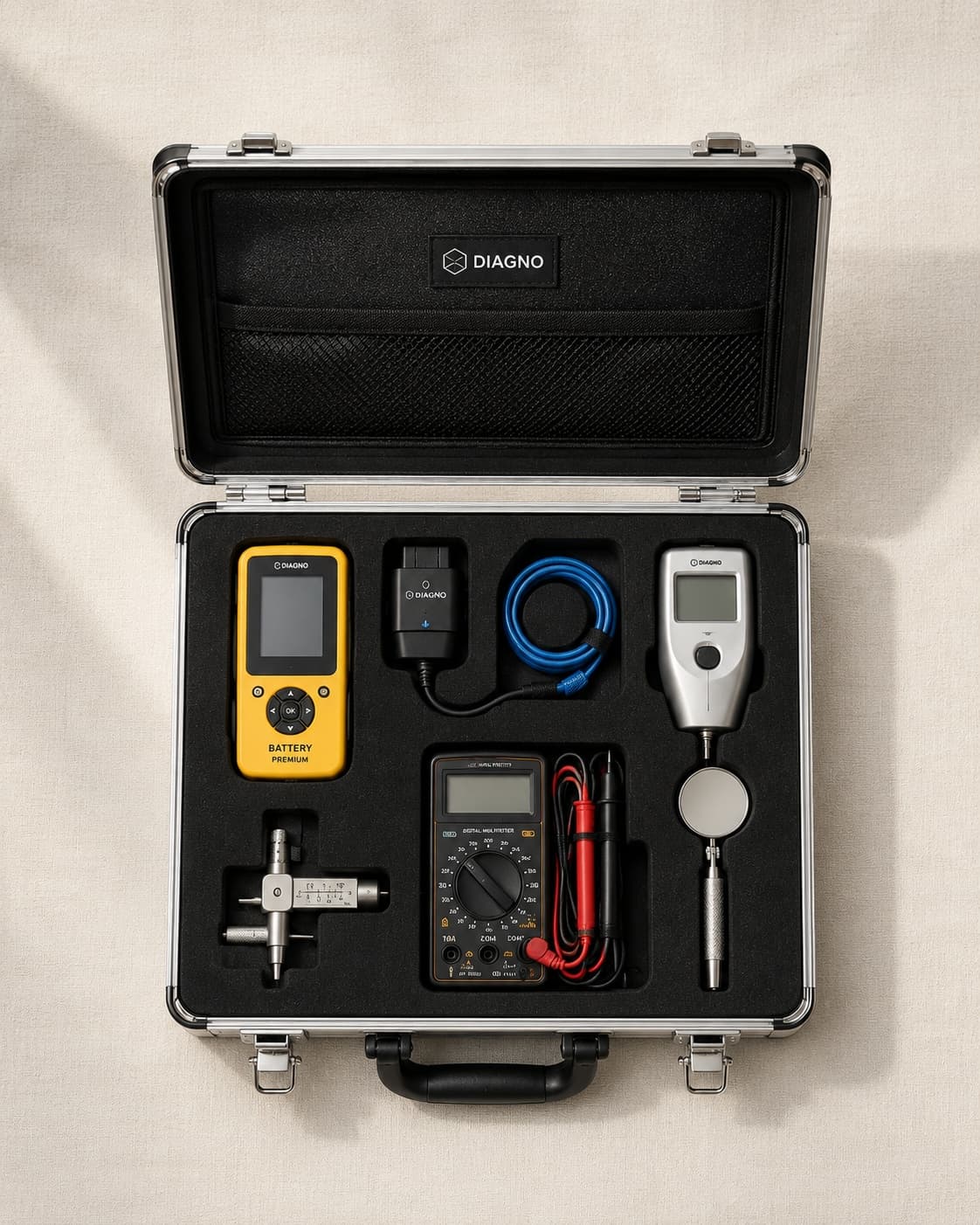
You work with your own measurement equipment and camera. Photos, measurements, and short notes land structured in the job. Keywords are enough, the full wording comes later.
Evenings full of paperwork, follow-up calls about findings that get lost in a PDF attachment: it doesn't have to be this way. With DIAVAG you capture on site with your own devices, the AI writes the draft from your data, you review and release with a log. Your customers receive the appraisal in a portal under your domain.
The technical work is done in an hour or two, the writing eats up the evening. Afterwards the phone rings because customers don't understand the appraisal or can't find the attachment. DIAVAG turns this process around: you capture photos, measurements, and notes with your own devices, and the AI drafts from them a document in which every statement is bound to a captured field. You review, correct, and release. The release is logged, and delivery runs through a customer portal under your own domain.
You work with your own measurement equipment and camera. Photos, measurements, and short notes land structured in the job. Keywords are enough, the full wording comes later.
The AI writes the appraisal draft from your captured data. Every statement is bound to a field: for each sentence you see which photo, measurement, or note it is based on. Nothing is invented.
No appraisal leaves the system without you. You review the draft, change what you don't like, and release it. The release is logged with your name and timestamp.
Your customers receive access under your own domain, in your own branding. In the portal they read the appraisal, ask the AI chat questions about the content, and verify authenticity. Follow-up calls become rarer.
You create the job with the vehicle, the reason, and the customer data. At your desk or on the go.
You inspect as usual with your own devices. You assign photos, measurements, and notes directly to the items.
The AI creates the draft with field binding. You check every statement against its source, correct it, and release it with a log.
The customer receives the appraisal in the portal under your domain, with AI chat for questions and authenticity verification.
"I'm not the digital type." You don't have to be. You capture on site the way you do today: take photos, measure, jot down keywords. The platform needs nothing more. The AI draft handles the wording, and your office template handles the layout.
"Who is liable, who signs?" You are. The AI delivers a draft, not a finished appraisal. Nothing goes to the customer without your explicit release, and every release is logged with the name, date, and version of the document. Professionally and legally, it remains your appraisal.
"What happens to my data?" Your jobs, photos, and appraisals are stored on servers in the EU. Your content is not used to train AI models. You decide who gets access, and you can export your data at any time.
Create an account and run your next job through the platform. You keep working with your own devices and see at the end of the day how much paperwork falls away. If you'd rather look first, we'll show you the platform in a demo.