Structured appraisal draft
From all the fields, photos and notes, the AI drafts a complete report in professional language. Every statement is tied to the field it comes from, and empty fields stay empty. You review and sign it off.
DIAVAG gives everything you record on the vehicle a firm structure: vehicle data, readings from your own devices, findings, photos and notes in plain language. From these, the platform produces the appraisal draft, the PDF in your branding and the customer portal.
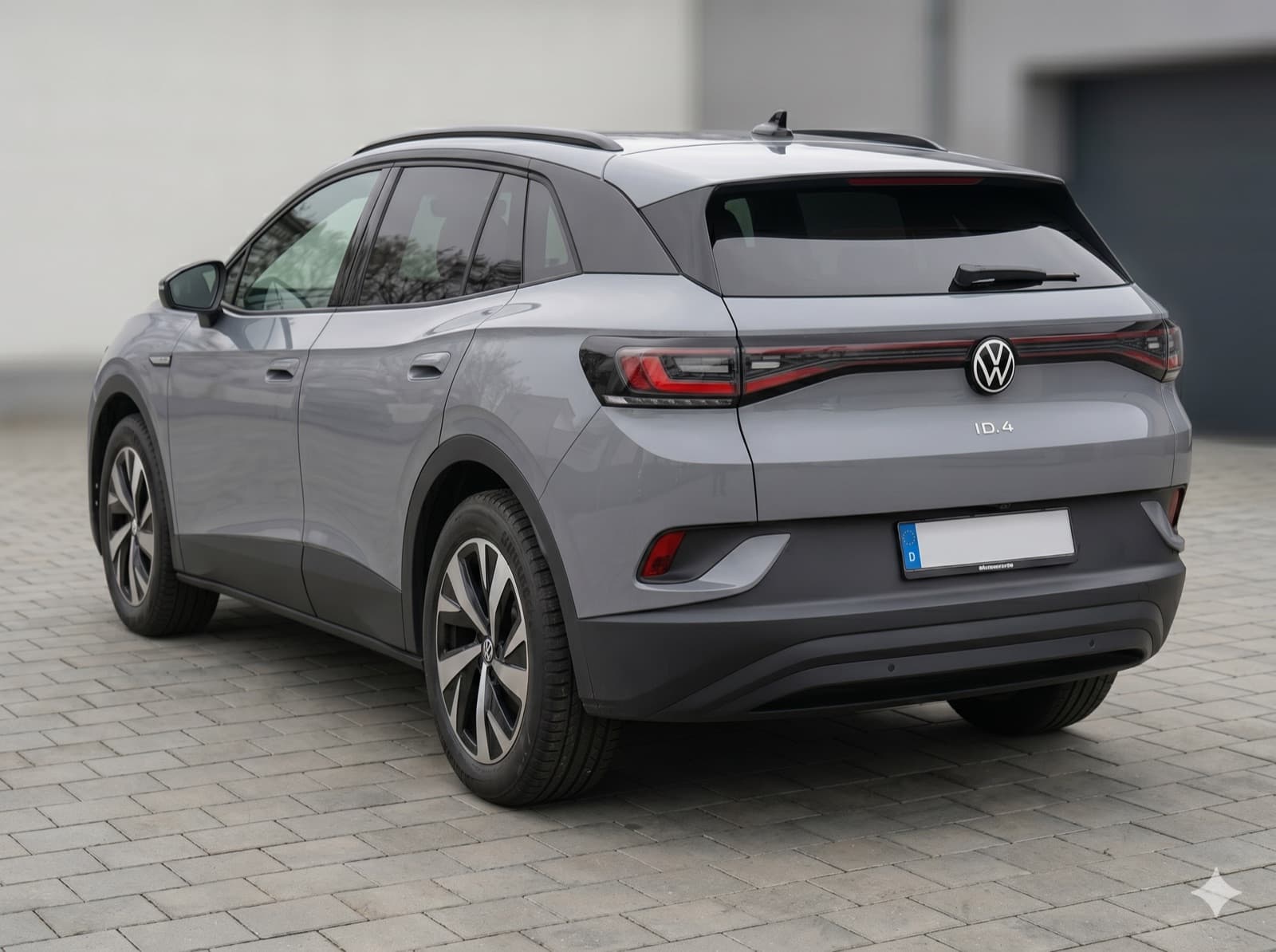
The vehicle's master data forms the backbone of every appraisal. You enter what is on the documents and on the vehicle, and the platform keeps everything structured.
VIN, licence plate, manufacturer, model and trim. The basis every chapter of the appraisal refers to.
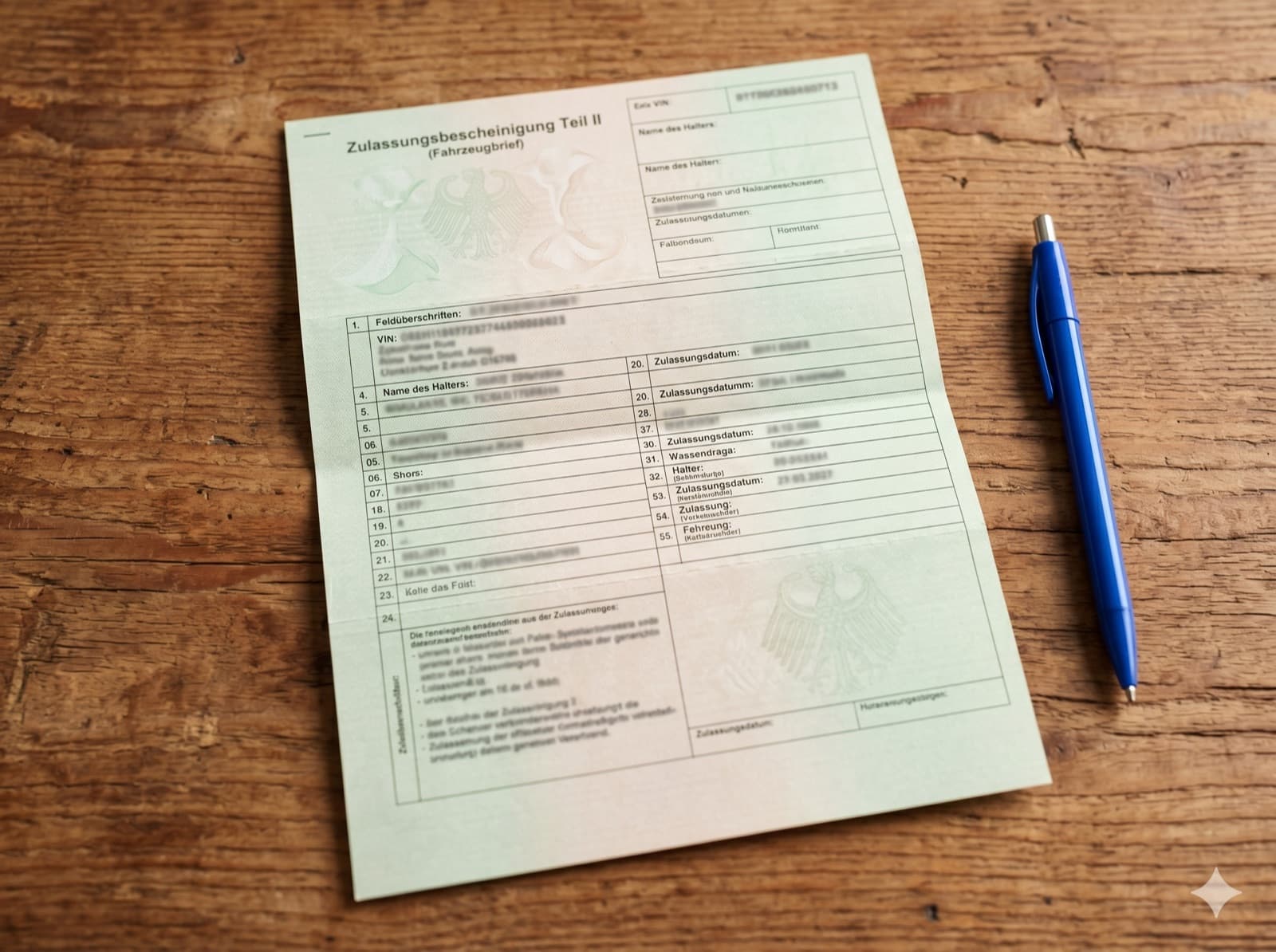
First registration, number of previous owners, details from the registration certificate and the service history.
Odometer reading with the date it was taken, including a field for your assessment of its plausibility.
Engine, transmission and drive type, from combustion engines to EVs, plus value-relevant features.
This is where the readings from your own measuring devices go. You measure as usual, enter the result in the matching field, and the platform processes it all the way into the finished appraisal text.
Results from your battery tester, such as the state of health of the traction battery on an EV, plus the readings for the starter battery.
Findings from your OBD2 scan: fault entries, anomalies and your assessment of them.
Tread depth per wheel, tyre age and the condition of the brakes, exactly as you measure and assess it.
Multimeter readings such as electrical system voltage or charging behaviour, with clearly labelled fields for each measurement.
Your observations from the test drive and function check, as bullet points or full sentences.
Prior damage and paint condition determine the value. The platform gives your findings a firm structure, from the measurement to the description of each individual instance of damage.
Readings from your coating thickness gauge for each body section, as the basis for statements about repainting.
Every finding with its location, type and extent, noted in your own words and documented with a photo.
The condition of windows, lights and attached parts, including stone chips and signs of repair.
Your visual findings on the underbody, sills and corrosion, structured by area.
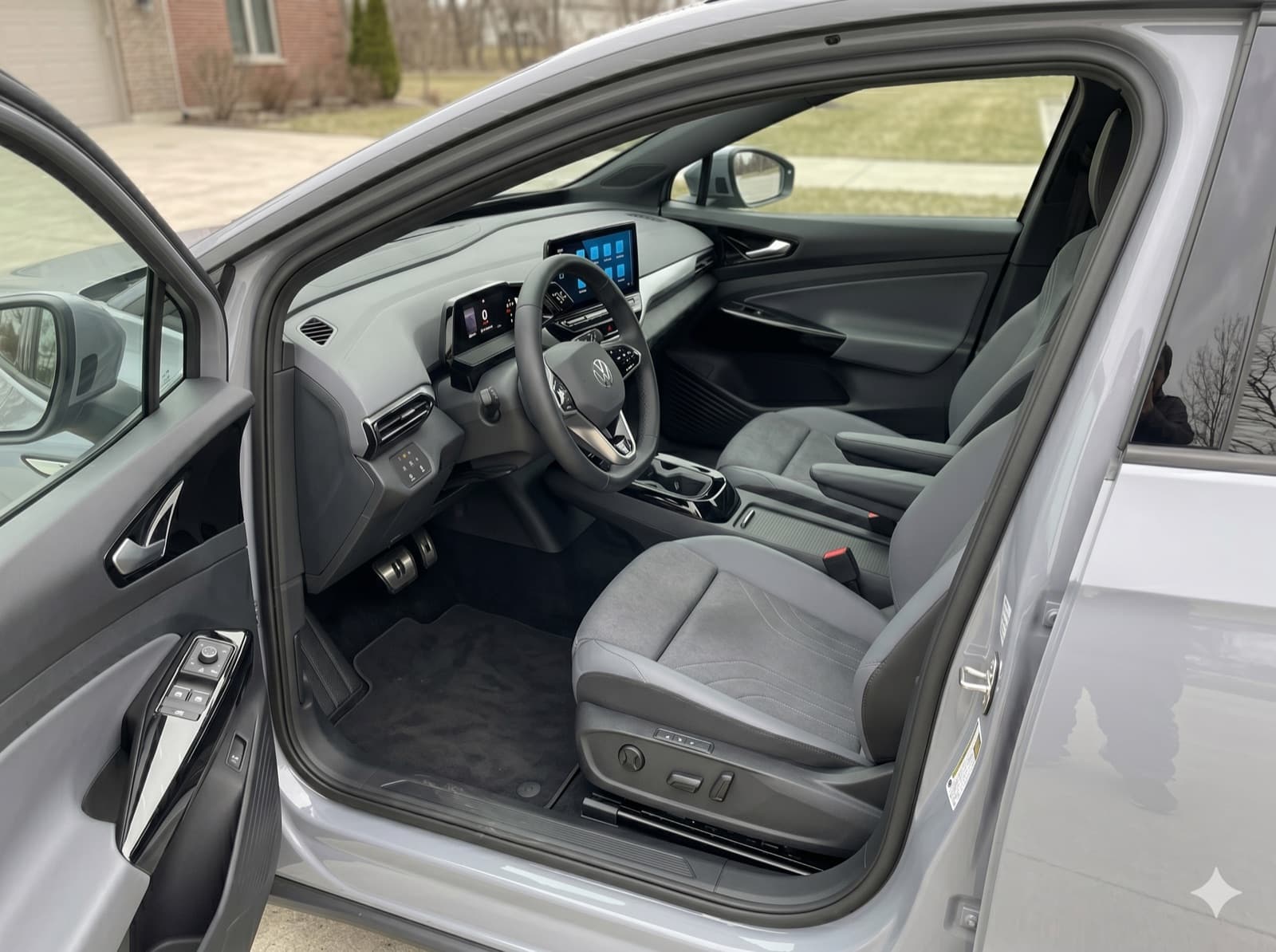
The interior, too, tells the story of a vehicle. You record its condition, and the platform assigns it to the right chapters.
Wear on seats, steering wheel and trim, an important cross-check against the stated mileage.
The function of displays, assistance systems, air conditioning and infotainment.
Indications of water damage, a smoker's vehicle or pets, as a note in plain language.
In the end, your judgement is what counts. The platform records your assessment in a structured way and links it in the draft to the findings you have gathered.
Your overall grade and partial assessments per area, transparently backed by the recorded findings.
Your valuation with the approaches applied, cleanly documented for the appraisal text.
Necessary repairs and your assessment of the effort involved, linked to the respective findings.
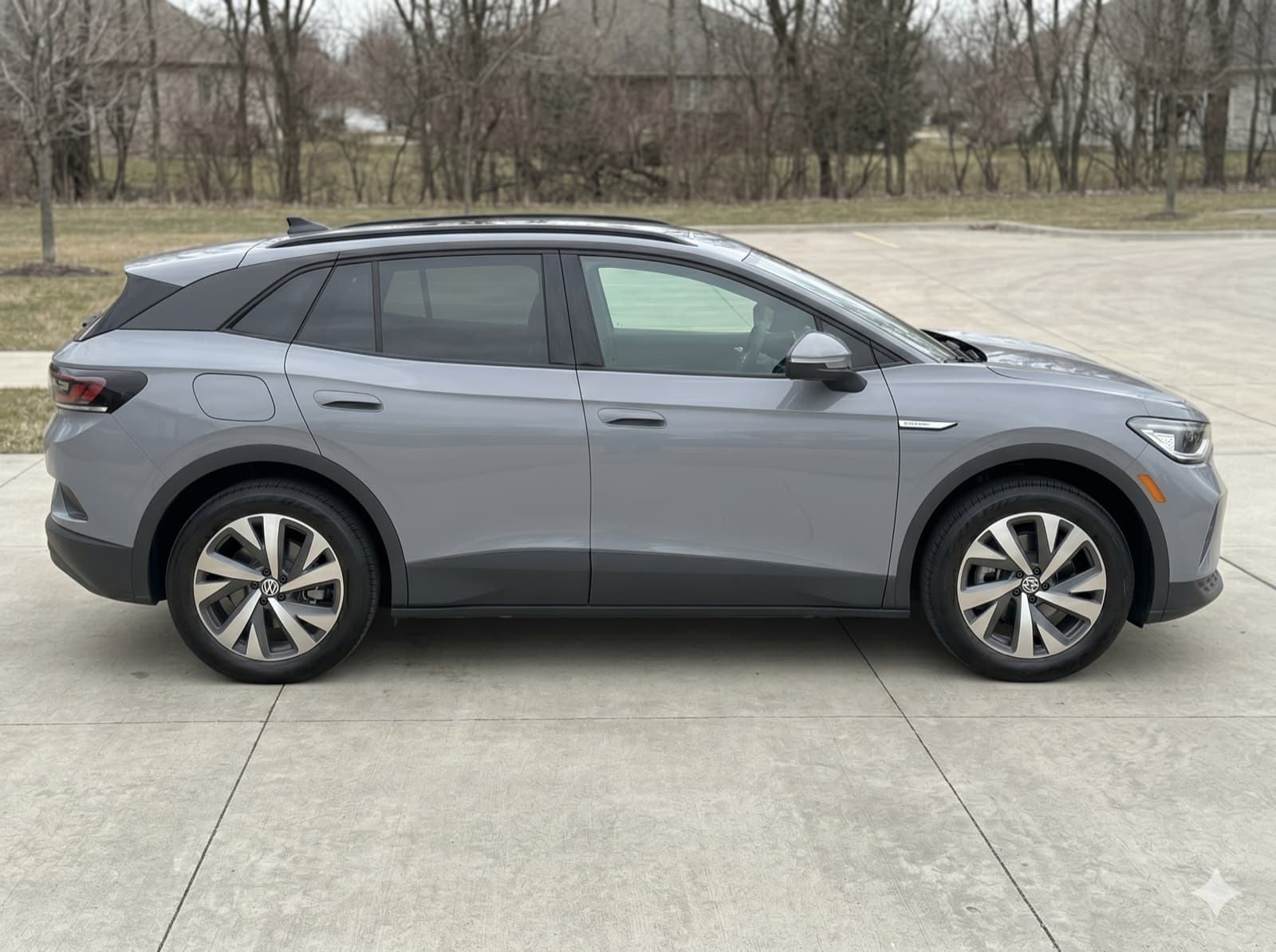
Alongside the structured fields, the platform captures your photo documentation and free-form notes. You take photos with your smartphone and type bullet points in plain language, and the platform assigns both to the job and to the right findings.
From all the fields, photos and notes, the AI drafts a complete report in professional language. Every statement is tied to the field it comes from, and empty fields stay empty. You review and sign it off.
The approved appraisal is generated as a cleanly typeset PDF, with your logo, your colours and your practice details, and delivered by email via your own domain.
Your client receives access to a personal portal with the appraisal and photo documentation. The AI chat answers questions about it, based solely on the approved appraisal.
There are capture profiles for each asset class: for cars and EVs, construction machinery and boats.
Set up a free account and try out capturing with a job of your own. Or let us show you the platform in a personal demo.